









 Google Workspace Overview
 Gmail
Gmail
 Google Calendar
 Google Drive
 Google Editors
 Google Docs
 Google Sheets
 Google Slides
 Google Forms
 Google Sites
 Google Keep
 Google Vids
 Google Chat
 Google Admin
 Endpoint Management
 Remote Desktop
 Looker Studio
 Apps Script
 Workspace Studio
 Vault
Vault AppSheet
 Gemini
 Gemini Notebook
 Pricing
 Google Cloud Overview
 Cloud Run
 Compute Engine
 Cloud Storage
 BigQuery
 Google Kubernetes Engine
 Looker
 Apigee API Management
 Cloud SQL
 Gemini Enterprise
 Cloud CDN
 Microsoft
365 Overview
Microsoft
365 Overview Microsoft Outlook
 Microsoft Teams
 Microsoft Excel
 Microsoft Word
 Microsoft OneDrive
 Microsoft PowerPoint
 Microsoft SharePoint
 Google Drive
Google Workspace
Google Drive
Google Workspace
Secure Storage for All Your Files
Documents, images, and data sit together in one protected location, reachable wherever your people work.
Drive's sharing controls make sure that data stays secure.
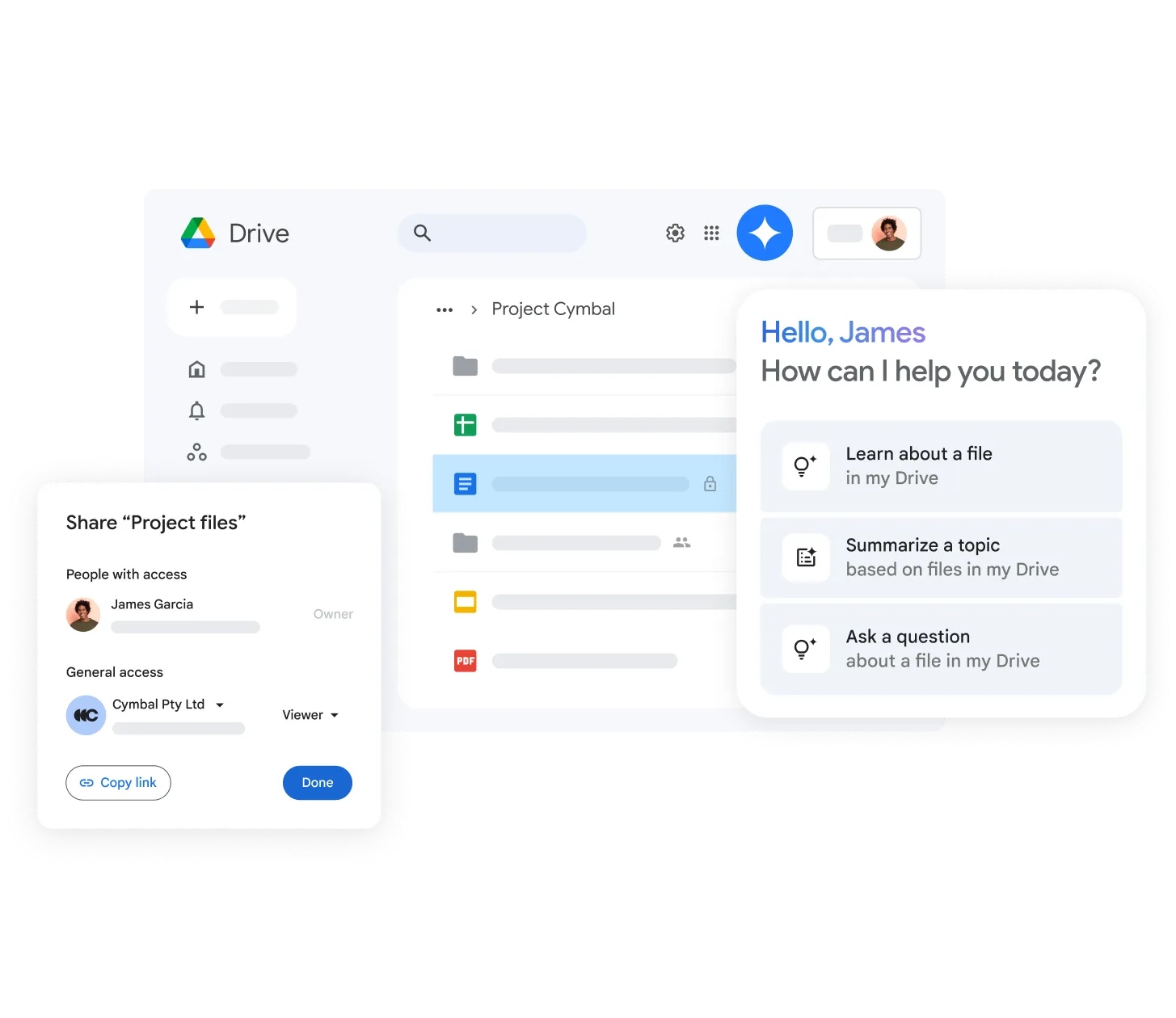
Shared Drives for Teams
Set up shared spaces per department or project. Ownership sits with the team, not the individual, so files remain in place after staff changes.
AI-powered search
Google Drive uses Google's intelligent AI search system to identify content and events important to you. It provides Quick Access to files when you need them.
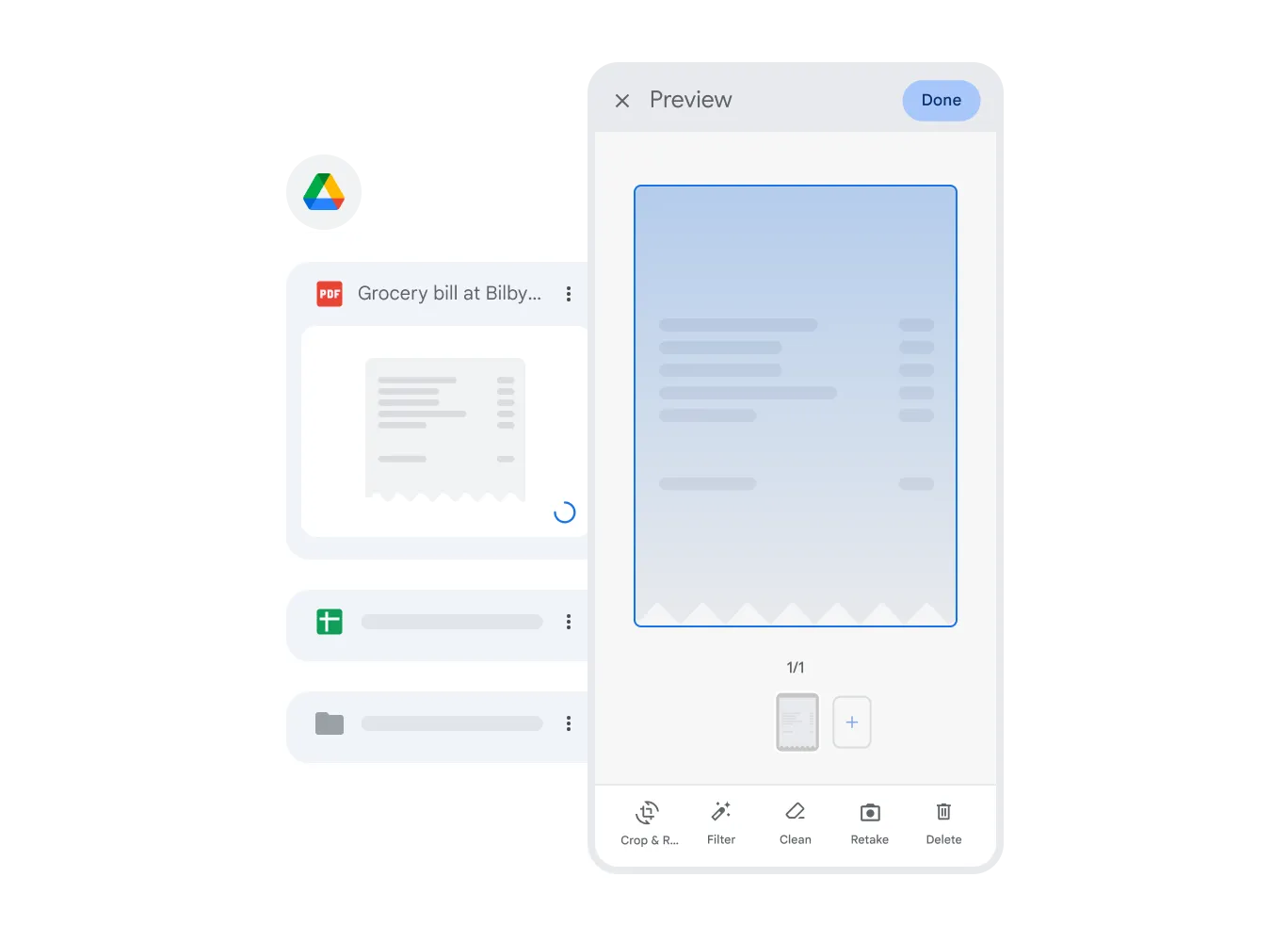
Organize files in team shared spaces
Use Shared Drives to store your team's working files. All files uploaded to a Shared Drive automatically become team property, preventing data loss even when employees leave.
Drive integrations with other apps
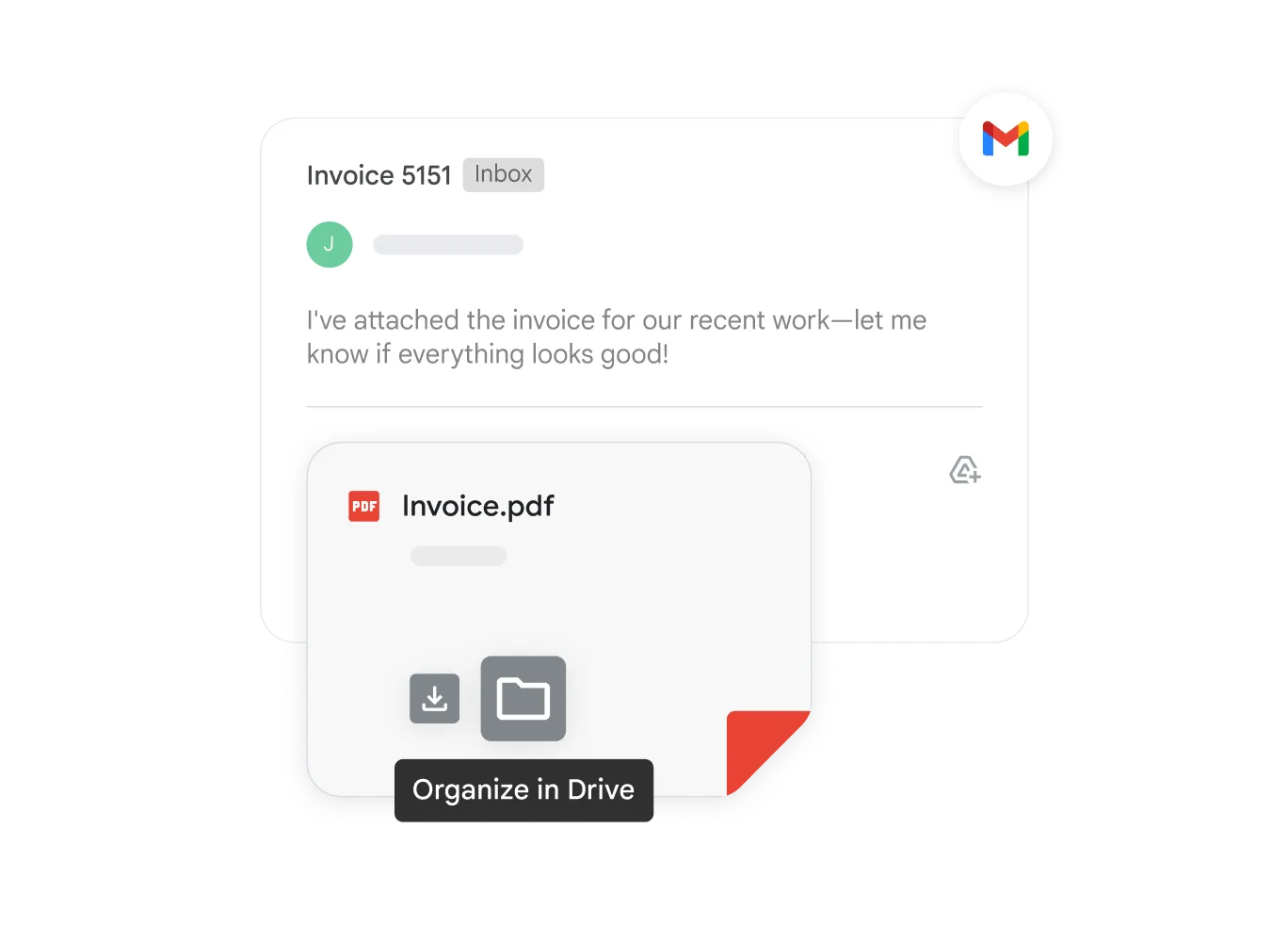
Use integrated applications such as DocuSign for e-signatures, CloudLock for additional security, Microsoft Office (Word, Excel), and many more. Open, edit, and save a wide range of formats directly through Drive.
Intelligent Search
Drive uses Google's AI technology to identify your needs and instantly find the files you want.
Cloud Ecosystem
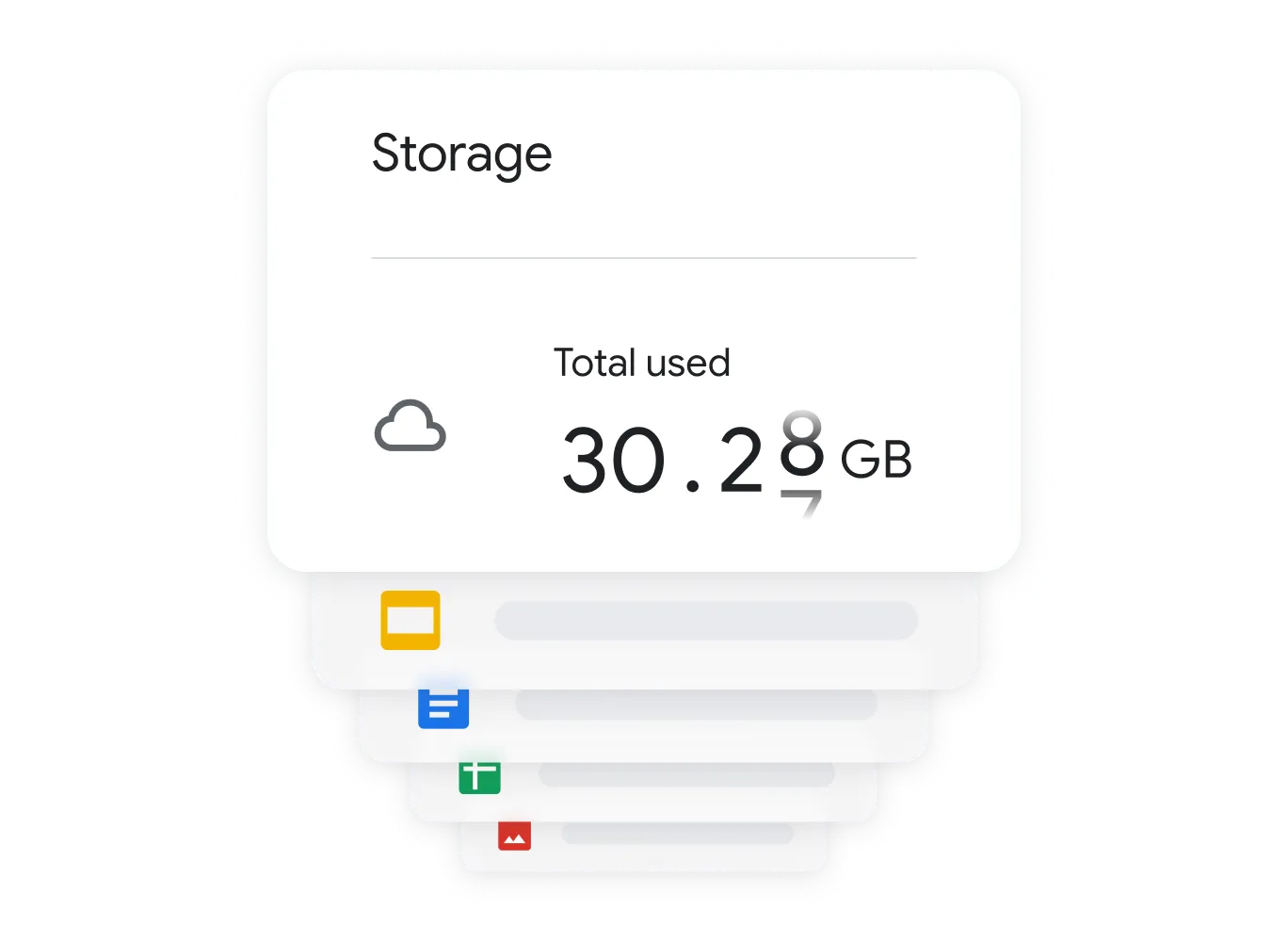
Store files without using local storage and access them from any device.
Shared Drives
Boost team efficiency by securely sharing files using Shared Drives.
Questions About Drive
Google Drive · Google Workspace
Yes. Geosoft provides secure data migration that transfers your local server files into structured Shared Drives.
Files up to 5 TB can be uploaded, depending on your storage plan.
You can securely share particular files or folders with outside partners, with the option to block downloading or printing.
Google Drive uses top industry security protocols, including TLS standard for encrypting files on servers. Your data security is guaranteed.
Consolidate Your Company Data
Geosoft helps organizations move to secure cloud storage with efficiency in mind.