






 Google Workspace Overview
 Gmail
Gmail
 Google Calendar
 Google Drive
 Google Editors
 Google Docs
 Google Sheets
 Google Slides
 Google Forms
 Google Sites
 Google Keep
 Google Vids
 Google Chat
 Google Admin
 Endpoint Management
 Remote Desktop
 Looker Studio
 Apps Script
 Workspace Studio
 Vault
Vault AppSheet
 Gemini
 Gemini Notebook
 Pricing
 Google Cloud Overview
 Cloud Run
 Compute Engine
 Cloud Storage
 BigQuery
 Google Kubernetes Engine
 Looker
 Apigee API Management
 Cloud SQL
 Gemini Enterprise
 Cloud CDN
 Microsoft
365 Overview
Microsoft
365 Overview Microsoft Outlook
 Microsoft Teams
 Microsoft Excel
 Microsoft Word
 Microsoft OneDrive
 Microsoft PowerPoint
 Microsoft SharePoint
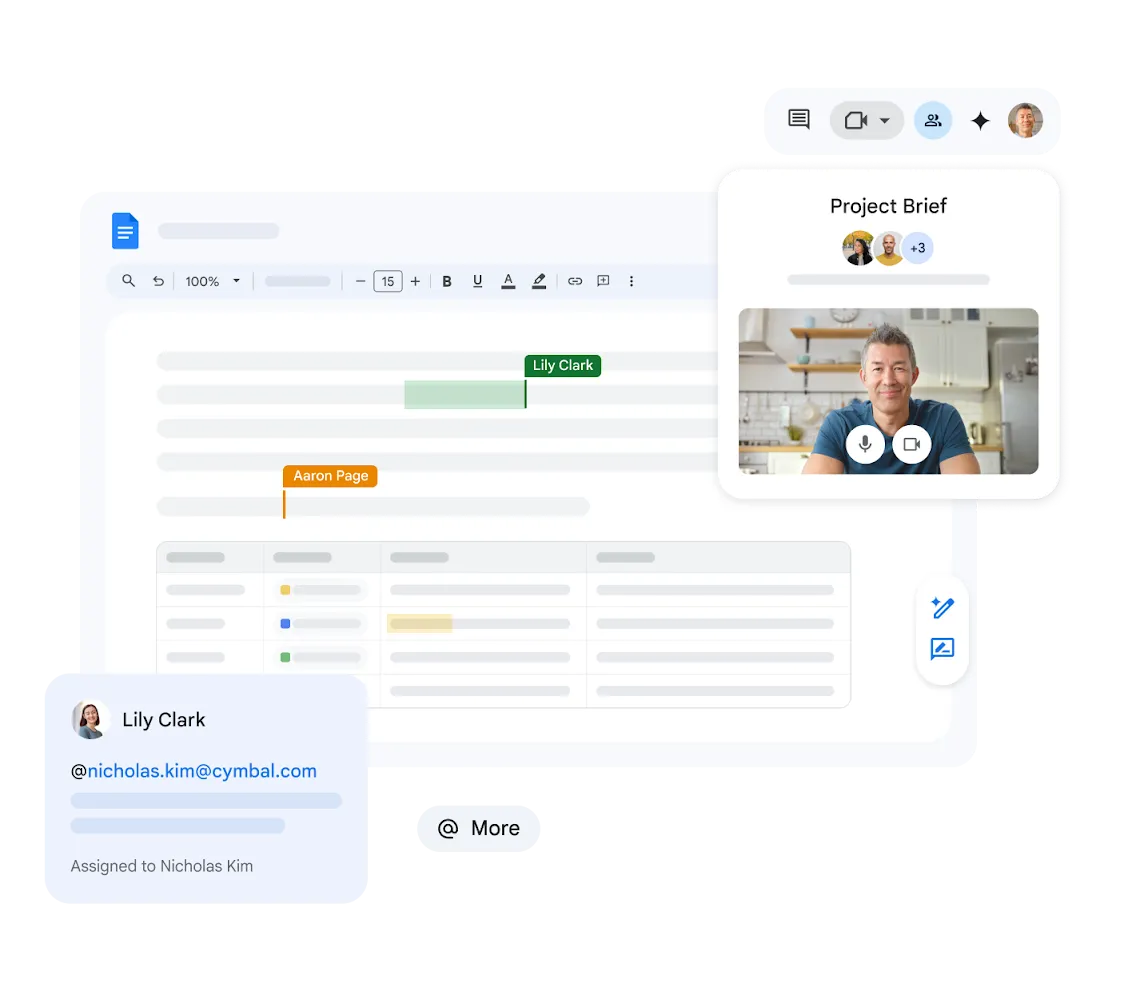
Editing at the Same Time, for Real
Instead of trading document versions by email, your team edits one shared page simultaneously in Google Docs.
Colleagues' cursors appear in real time, and you can discuss the text in the built-in chat.
Access from Anywhere
Work on your documents from any internet-connected device - laptop, tablet, or smartphone. Your files are always available.
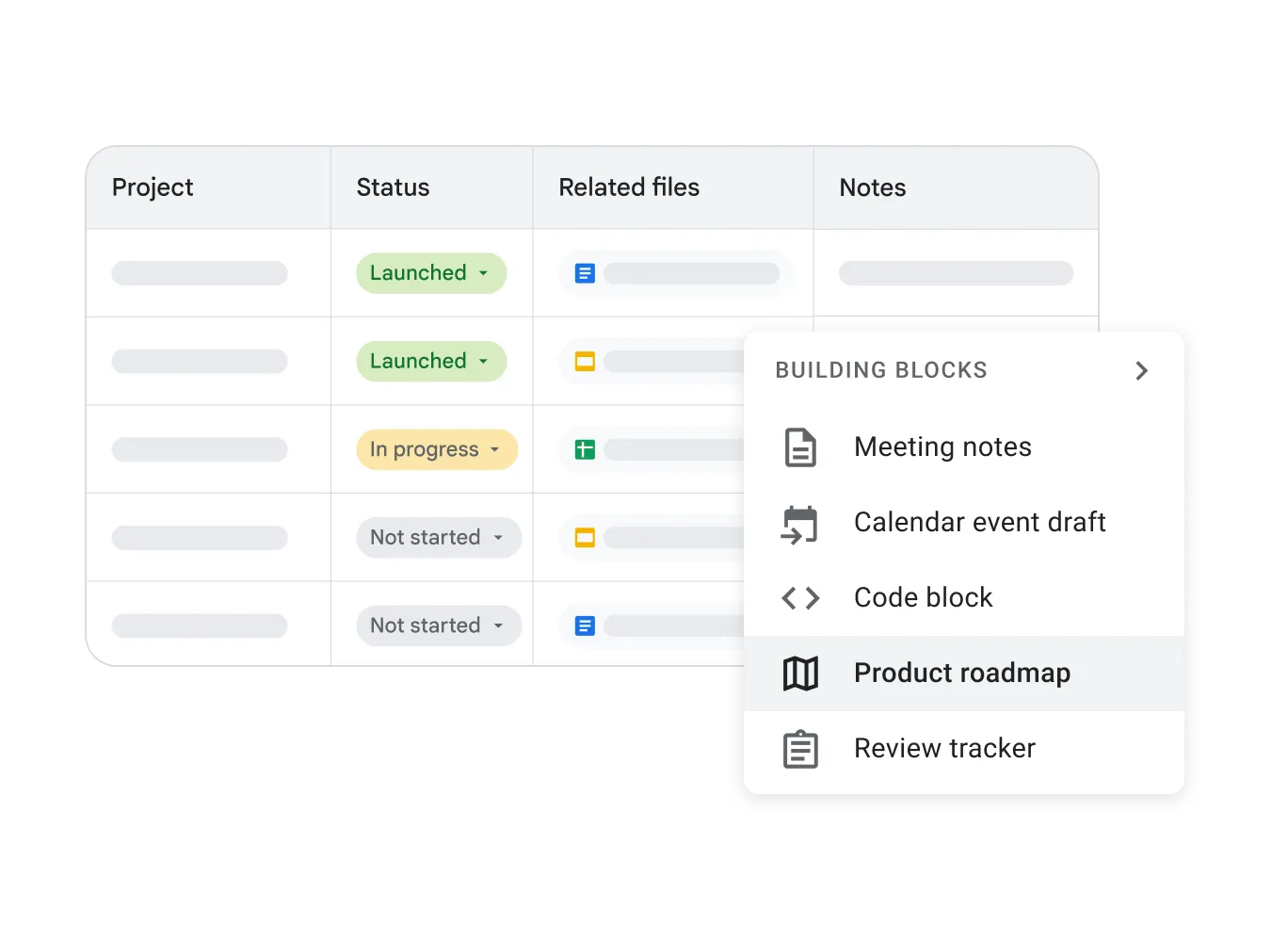
Deep Google Drive Integration
Google Docs integrates seamlessly with Google Drive, keeping your documents securely stored in the cloud. Organize, share, and search files with ease.
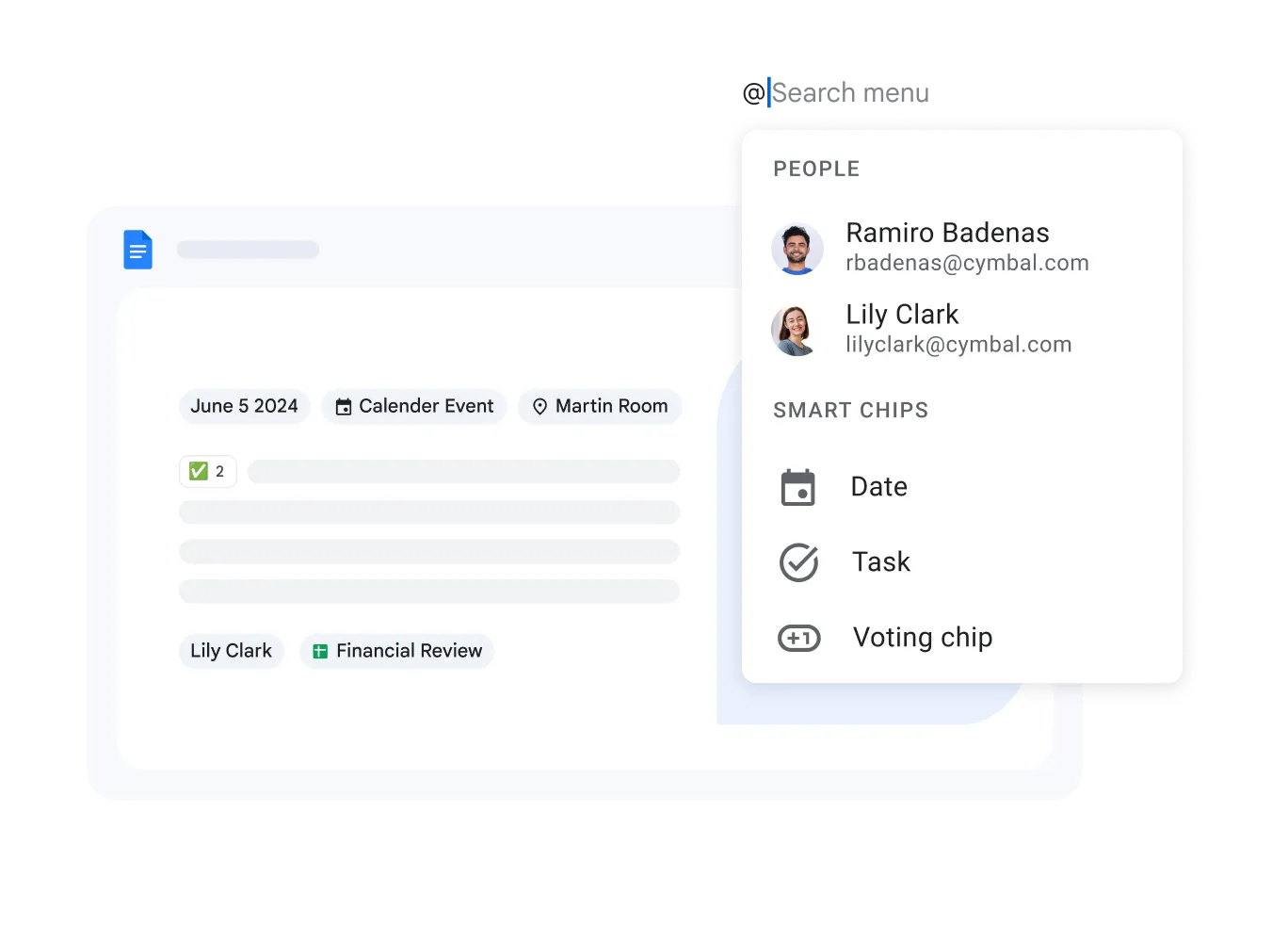
Convert and Edit Multiple File Types
Open, edit, and save files in various formats including Microsoft Word .DOCX and .DOC - online, without any additional software.
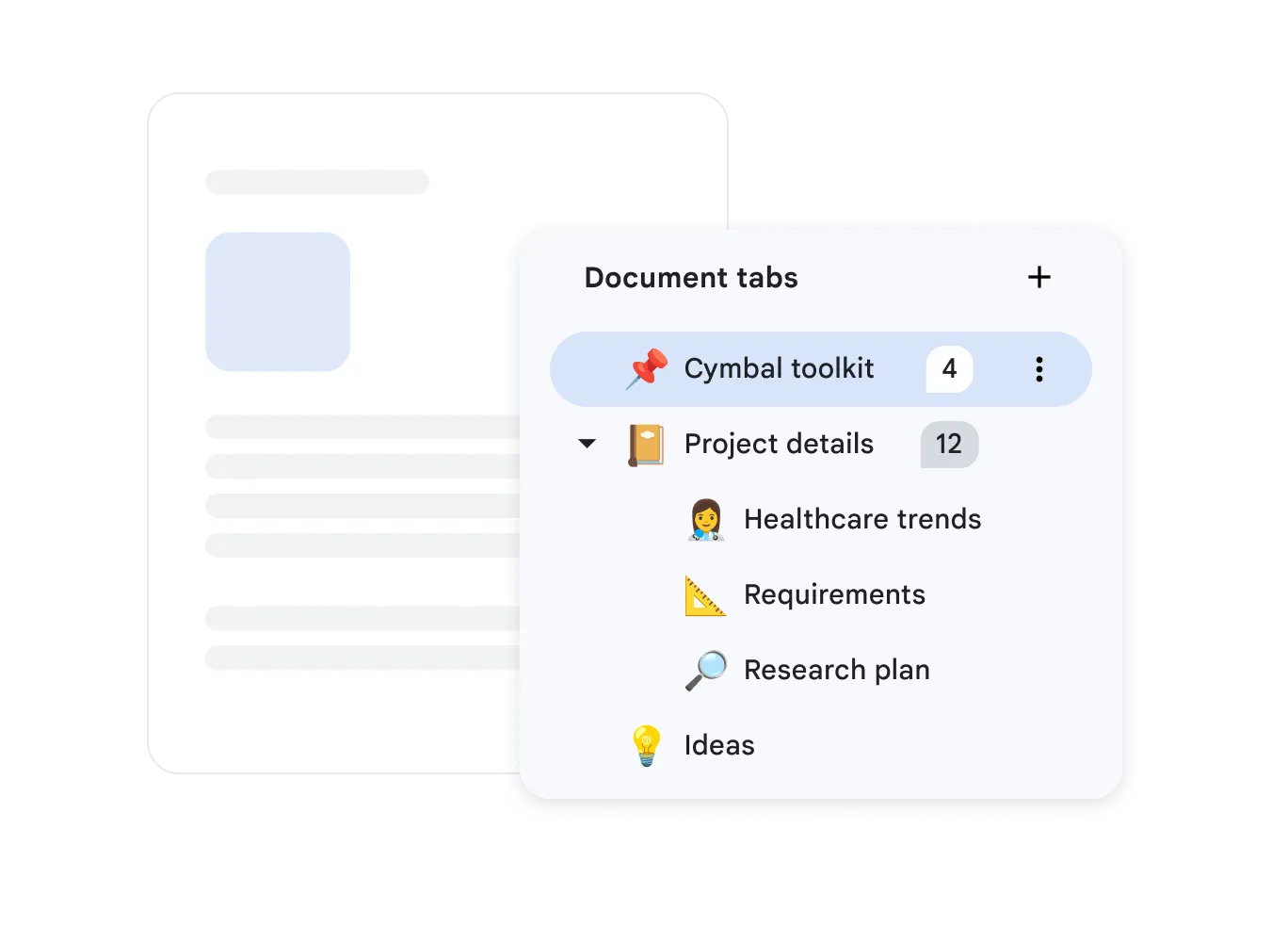
Boost Productivity with Smart Tools
Google Docs offers intelligent editing features including grammar checking, Smart Compose, and Voice Typing.
- Real-Time Collaboration
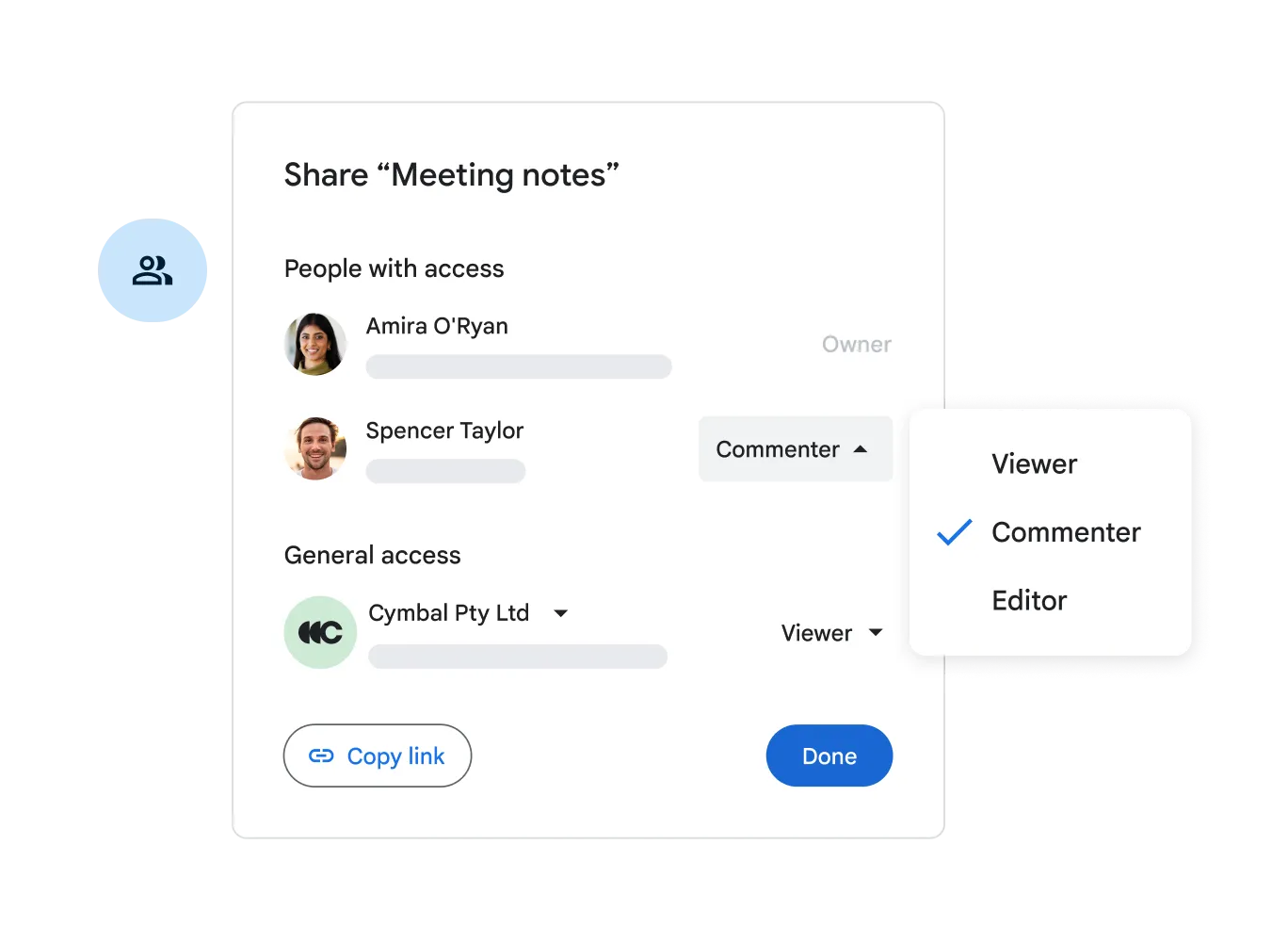
- Work with your team on documents simultaneously. See changes instantly and communicate directly in the document via comments.
- Available on All Devices
- Create and edit documents from any device. Stay productive in the office and on the go.
- Automatic Saving
- Your changes are automatically saved to Google Drive. You can always access the full version history.
Google Docs Questions
Google Docs
Yes. Documents are encrypted in transit and at rest, and administrators can limit sharing, prevent downloads, and enforce multi-factor authentication.
Secure links let external guests view, comment on, or edit a document without a Google account.
Yes. With offline mode enabled in Chrome, you can create and edit documents without internet; they sync automatically when you reconnect.
Yes. A template gallery covers reports, proposals, and meeting notes, and your company can upload custom branded templates.
Improve How Your Team Writes
Geosoft delivers complete setup and training for Google Workspace with efficiency in mind.