







 Google Workspace Overview
 Gmail
Gmail
 Google Calendar
 Google Drive
 Google Editors
 Google Docs
 Google Sheets
 Google Slides
 Google Forms
 Google Sites
 Google Keep
 Google Vids
 Google Chat
 Google Admin
 Endpoint Management
 Remote Desktop
 Looker Studio
 Apps Script
 Workspace Studio
 Vault
Vault AppSheet
 Gemini
 Gemini Notebook
 Pricing
 Google Cloud Overview
 Cloud Run
 Compute Engine
 Cloud Storage
 BigQuery
 Google Kubernetes Engine
 Looker
 Apigee API Management
 Cloud SQL
 Gemini Enterprise
 Cloud CDN
 Microsoft
365 Overview
Microsoft
365 Overview Microsoft Outlook
 Microsoft Teams
 Microsoft Excel
 Microsoft Word
 Microsoft OneDrive
 Microsoft PowerPoint
 Microsoft SharePoint
Create and Edit Videos with Ease
Edit videos quickly with Google Vids' intuitive, AI-powered tools. Save time and elevate the quality of your content.
Google Vids is ideal for creating marketing videos, ads, training content, and presentations inside Google Workspace.
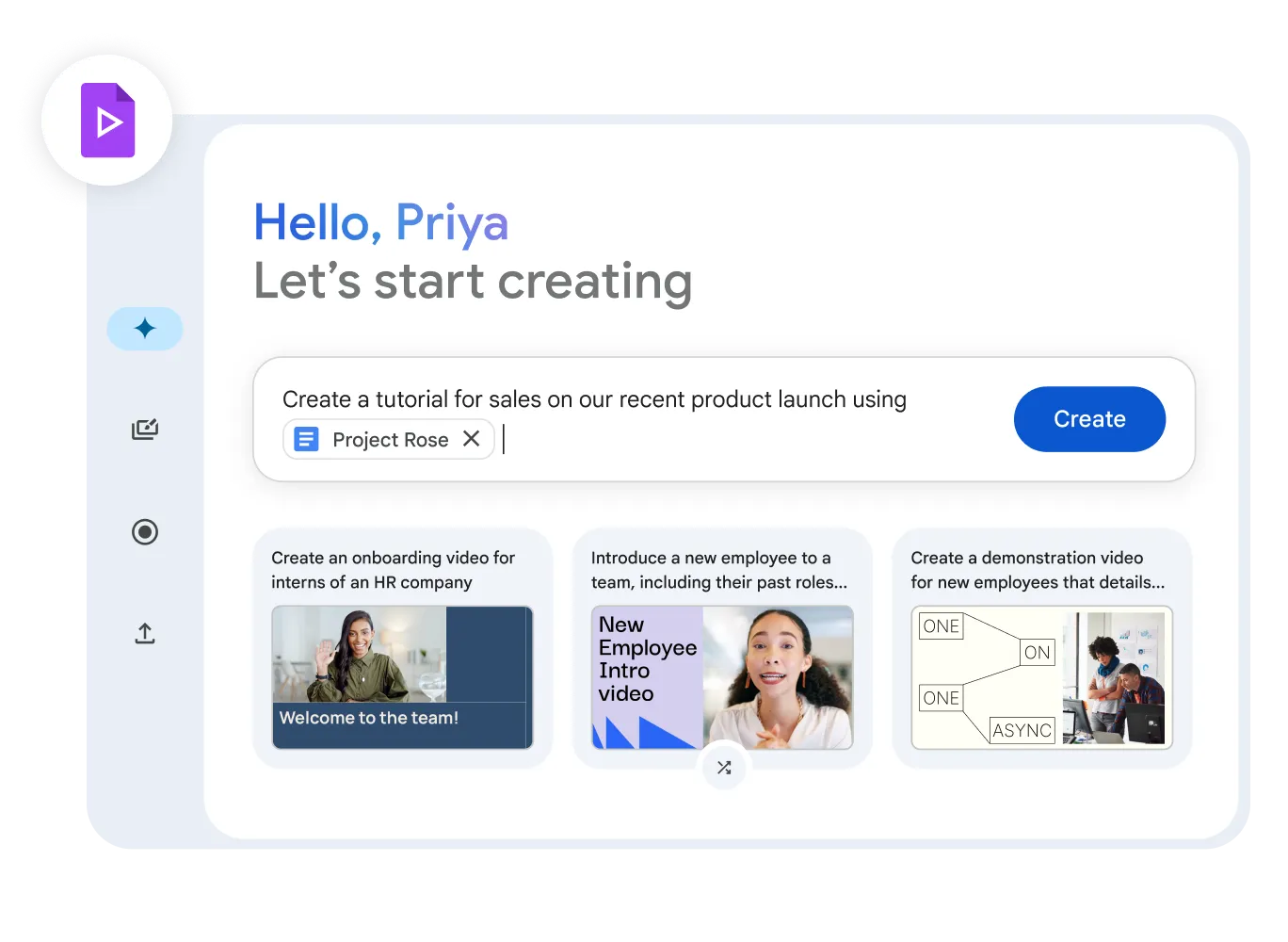
Create Engaging Video Content
Google Vids helps you generate compelling video content. Use ready-made templates, AI recommendations, and a simple editor to produce professional videos - no experience required.
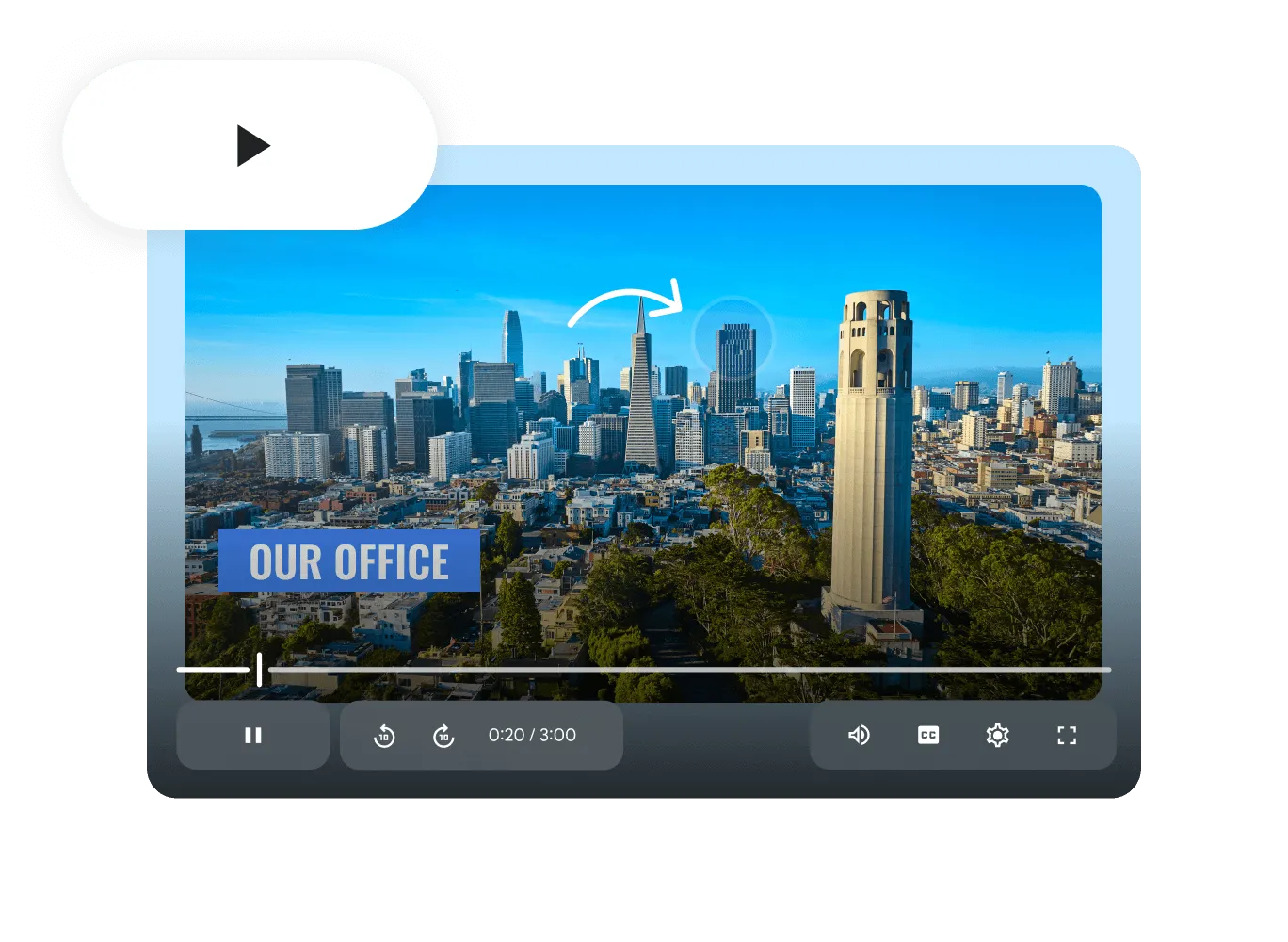
Customizable Video Presentations
Tailor your video presentations with branding elements, layouts, and interactive activities. Deliver personalized messages directly from Google Workspace.
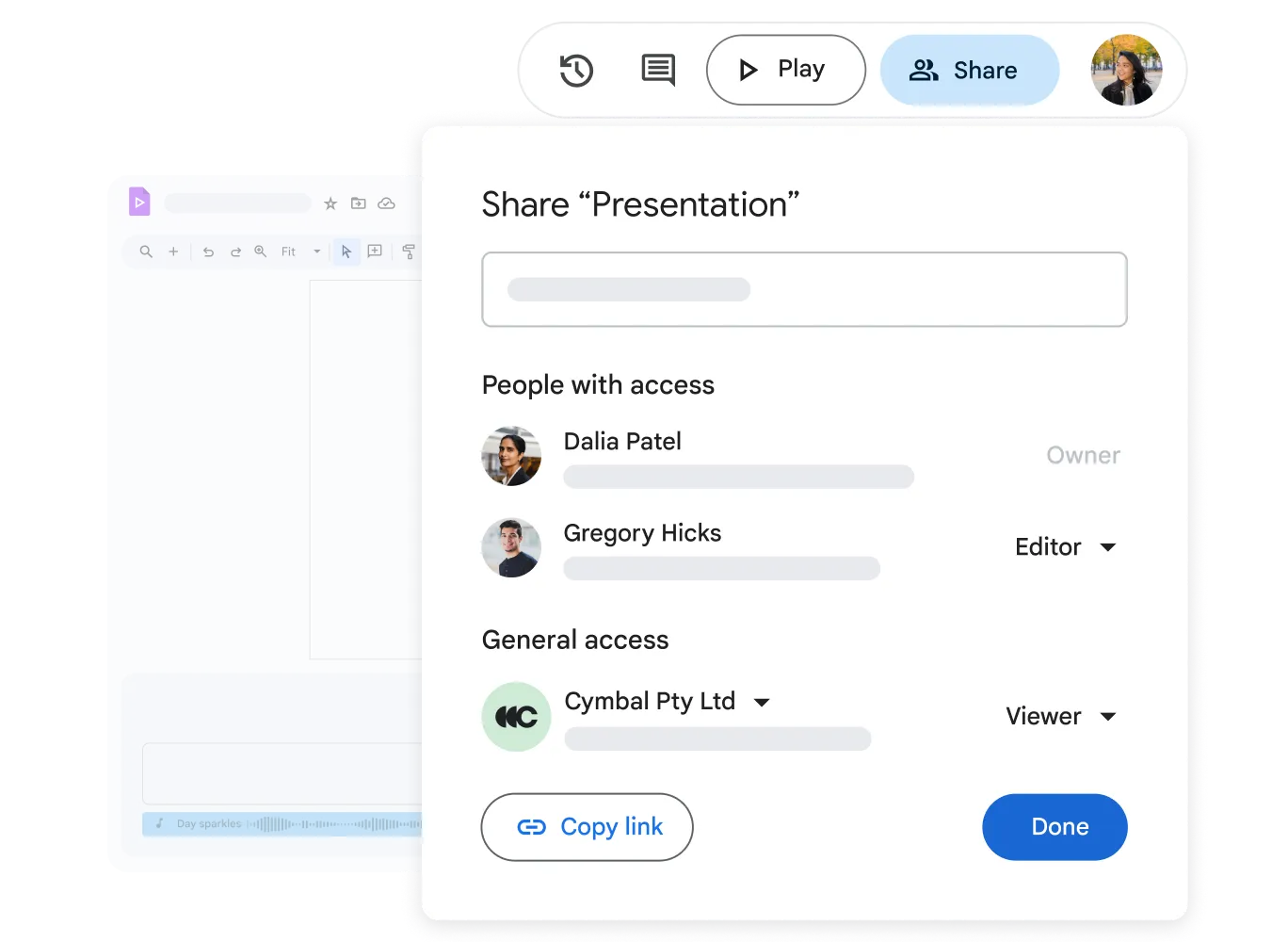
Team Collaboration on Video Projects
Work with team members on video projects in real time - as easily as any other Google document. Workspace integration makes sharing, reviewing, and commenting seamless.
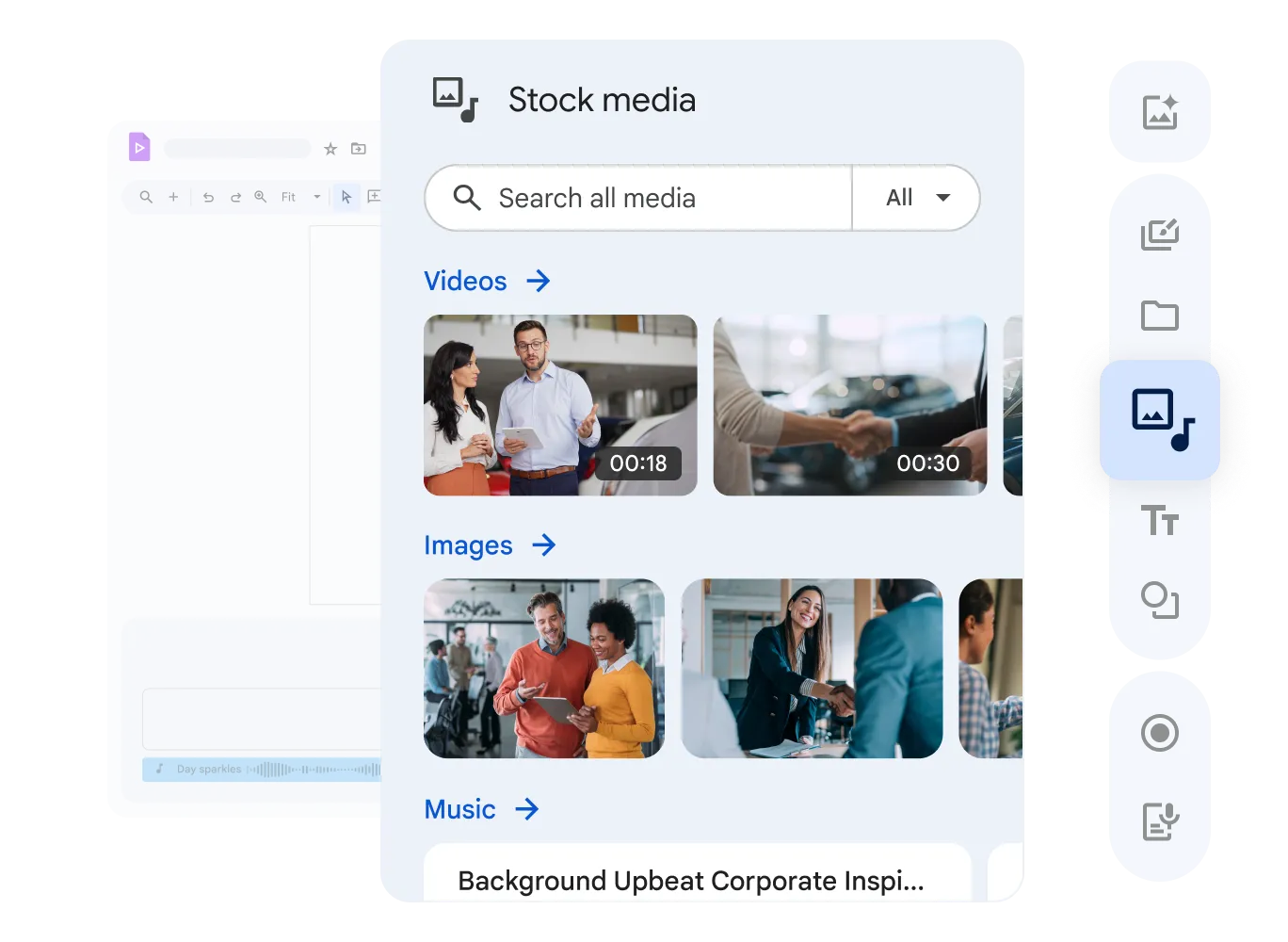
Boost Productivity with Integrated Tools
Fully integrated with Google Drive for secure storage and easy retrieval of all your video assets in your work environment.
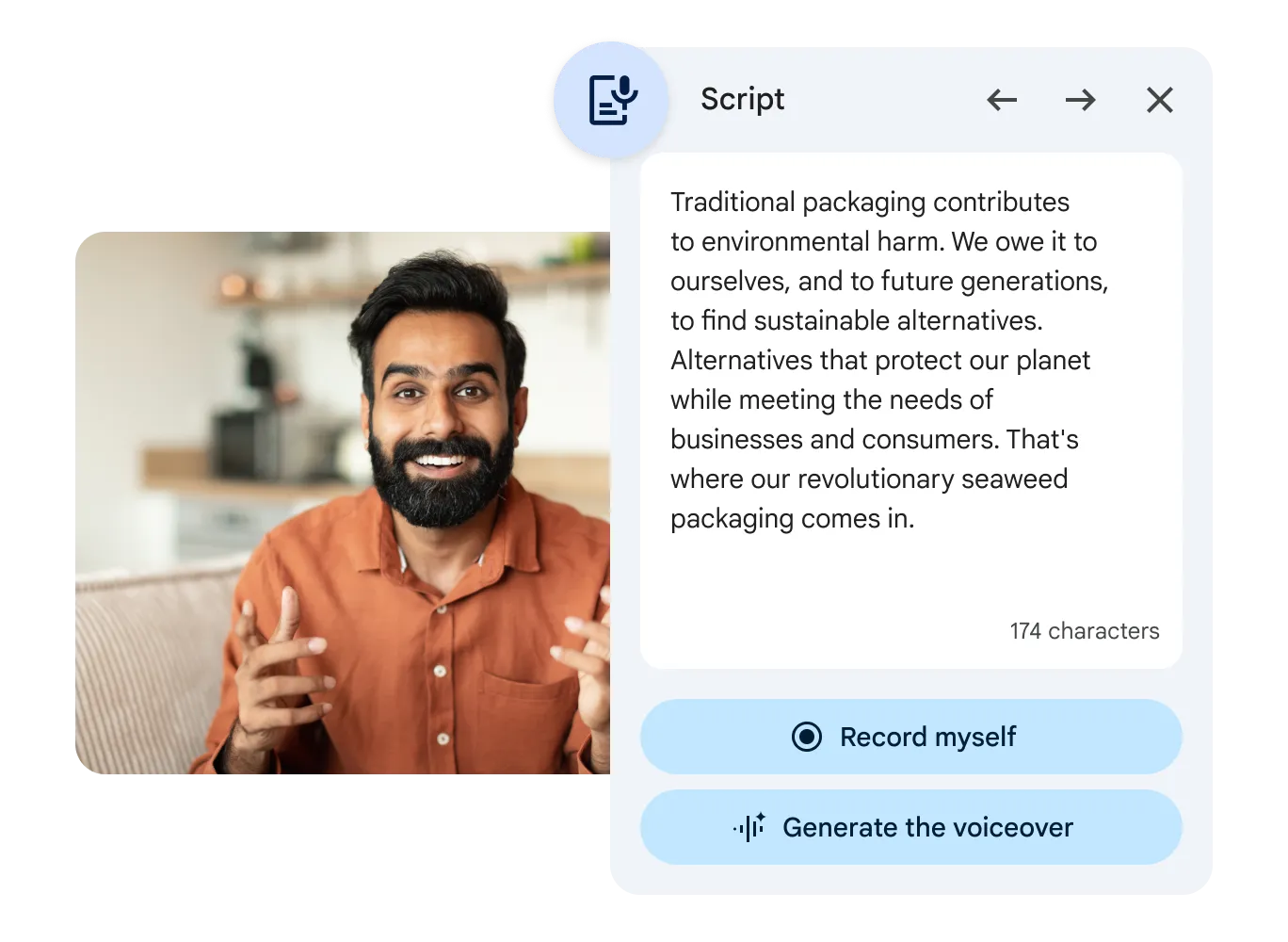
- AI-Powered Videos
- Describe what you want to see and AI helps assemble the first draft - powered by Gemini.
- Simplified Editing
- Edit videos quickly with an intuitive timeline and tools. Easy for beginners and experienced professionals alike.
- Customizable Templates
- Use ready-made templates and tailor them to your brand with logos, colors, and fonts for the best results.
Frequently Asked Questions
Google Vids
Google Vids is an AI-powered application in Google Workspace that lets you easily create, edit, and share videos - ideal for internal team communication and product presentations.
The built-in AI (Gemini) assists with script writing, selecting relevant stock footage and images, and generating an initial storyboard from your description.
Yes. Google Vids uses Google Workspace's security standards. You control who can view or edit files at all times.
Google Vids files are stored directly in your Google Drive. Sharing works exactly like Docs or Sheets - via email or a specific link.
Start Using Google Vids Today
AI-powered video content, for any team. Part of Google Workspace.