




 Google Workspace Overview
 Gmail
Gmail
 Google Calendar
 Google Drive
 Google Editors
 Google Docs
 Google Sheets
 Google Slides
 Google Forms
 Google Sites
 Google Keep
 Google Vids
 Google Chat
 Google Admin
 Endpoint Management
 Remote Desktop
 Looker Studio
 Apps Script
 Workspace Studio
 Vault
Vault AppSheet
 Gemini
 Gemini Notebook
 Pricing
 Google Cloud Overview
 Cloud Run
 Compute Engine
 Cloud Storage
 BigQuery
 Google Kubernetes Engine
 Looker
 Apigee API Management
 Cloud SQL
 Gemini Enterprise
 Cloud CDN
 Microsoft
365 Overview
Microsoft
365 Overview Microsoft Outlook
 Microsoft Teams
 Microsoft Excel
 Microsoft Word
 Microsoft OneDrive
 Microsoft PowerPoint
 Microsoft SharePoint
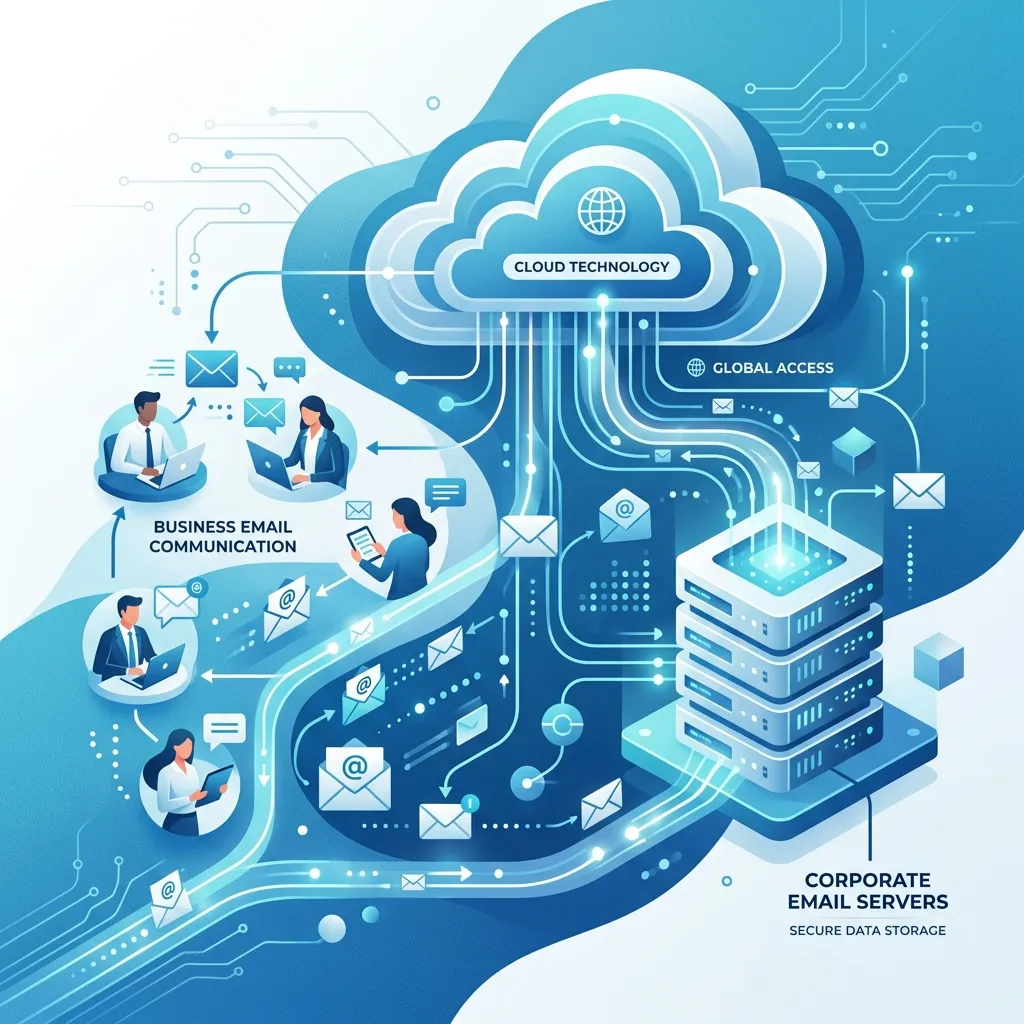
Protect Your Devices with Google Workspace Endpoint Management
Google Workspace Endpoint Management provides comprehensive security to protect your organization's data across Android, iOS, and Windows devices.
Ensure company resources are accessed only from secure, policy-compliant devices - minimizing the risk of data breaches.
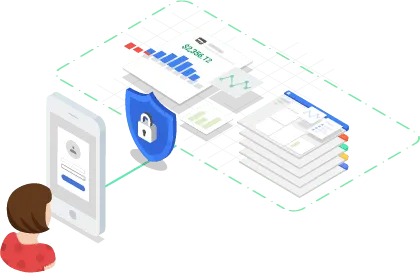
Centralized Control for Android, iOS, and Windows
Manage all your organization's devices from a single dashboard using MDM. Simplify device enrollment, monitoring, and configuration management for Android, iOS, and Windows.
Enforce Security Policies and Rules
Apply strict security rules - password requirements, mandatory encryption, and more - to every managed device. Maintain compliance with industry privacy and confidentiality standards.
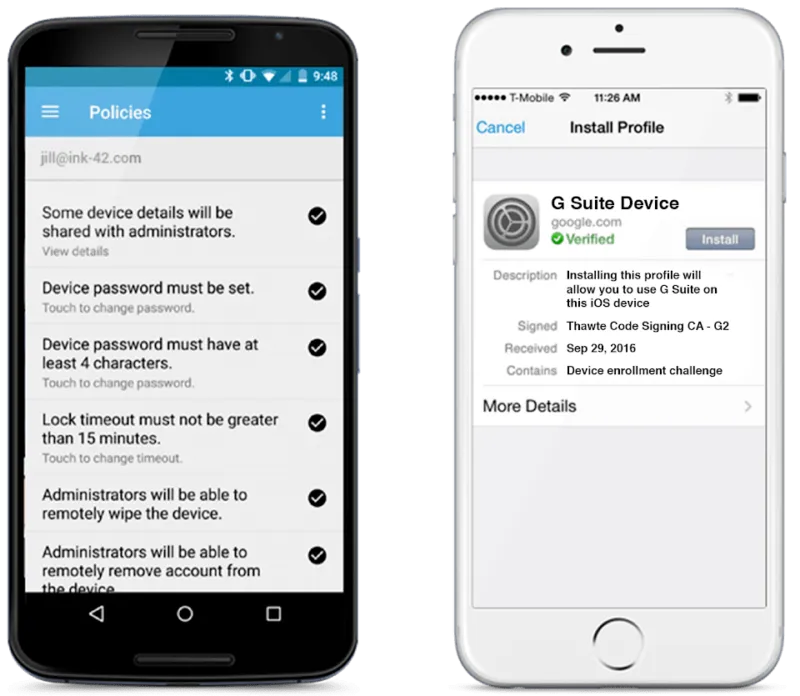
Lock and Wipe Lost Devices
Protect sensitive data by remotely blocking or wiping a lost or stolen device. Google Workspace Endpoint Management lets you respond instantly to any security incident.
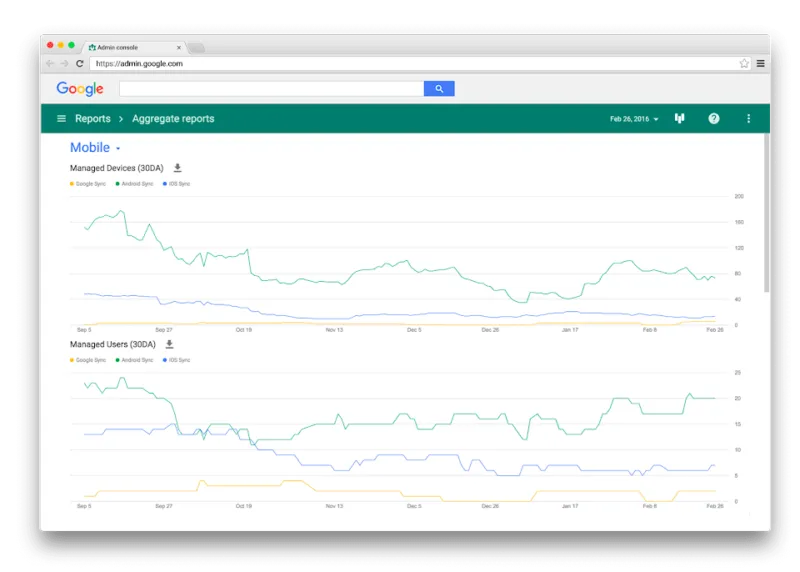
Automate App Deployment and Updates
Automate the deployment and updating of work applications across company devices. Ensure every user always has access to the latest, secure app versions with patch management.
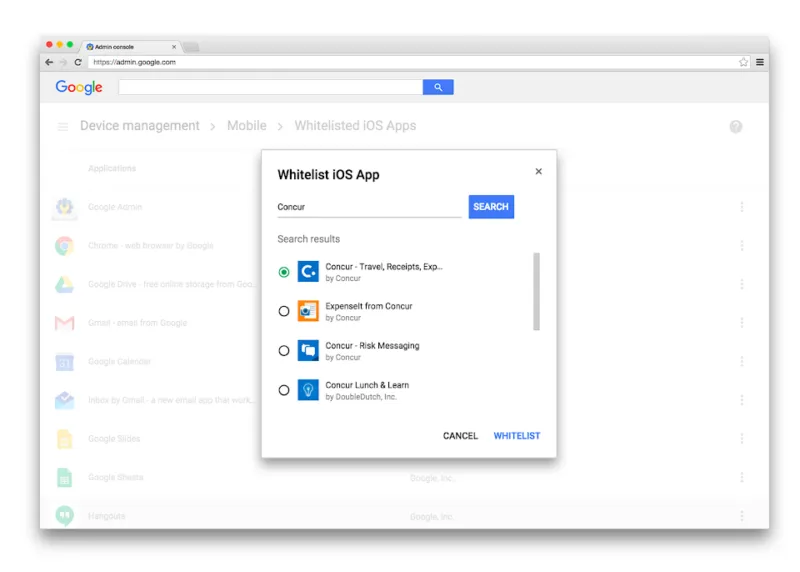
- Automated MDM Enrollment
- Simplify device registration with automated configuration - reducing the burden on IT staff.
- Cross-Platform Support
- Manage and control Android (Zero-touch), iOS/iPadOS, and Windows 10/11 devices from one console.
- Security Policies
- Automatically enforce screen lock codes, disk encryption, and other company security standards across all managed devices.
Frequently Asked Questions
Endpoint Management
Google Workspace Endpoint Management (MDM/UEM) is a comprehensive solution for securing and managing devices - smartphones, tablets, and computers - that access company data, minimizing data breach risks.
Yes. On Android, a separated 'Work Profile' is created - the admin manages only work apps, while the user's personal photos and data remain untouched.
The IT admin can add the device to a block list, remotely wipe only corporate data (Account wipe), or fully factory reset the device (Device wipe).
Geosoft Cloud provides technical support throughout the setup process - ensuring policies are correctly configured and your team is ready to get started.
Secure Your Workspace Devices with Endpoint Management
Cross-platform MDM, BYOD support, remote wipe - all inside Google Workspace.